
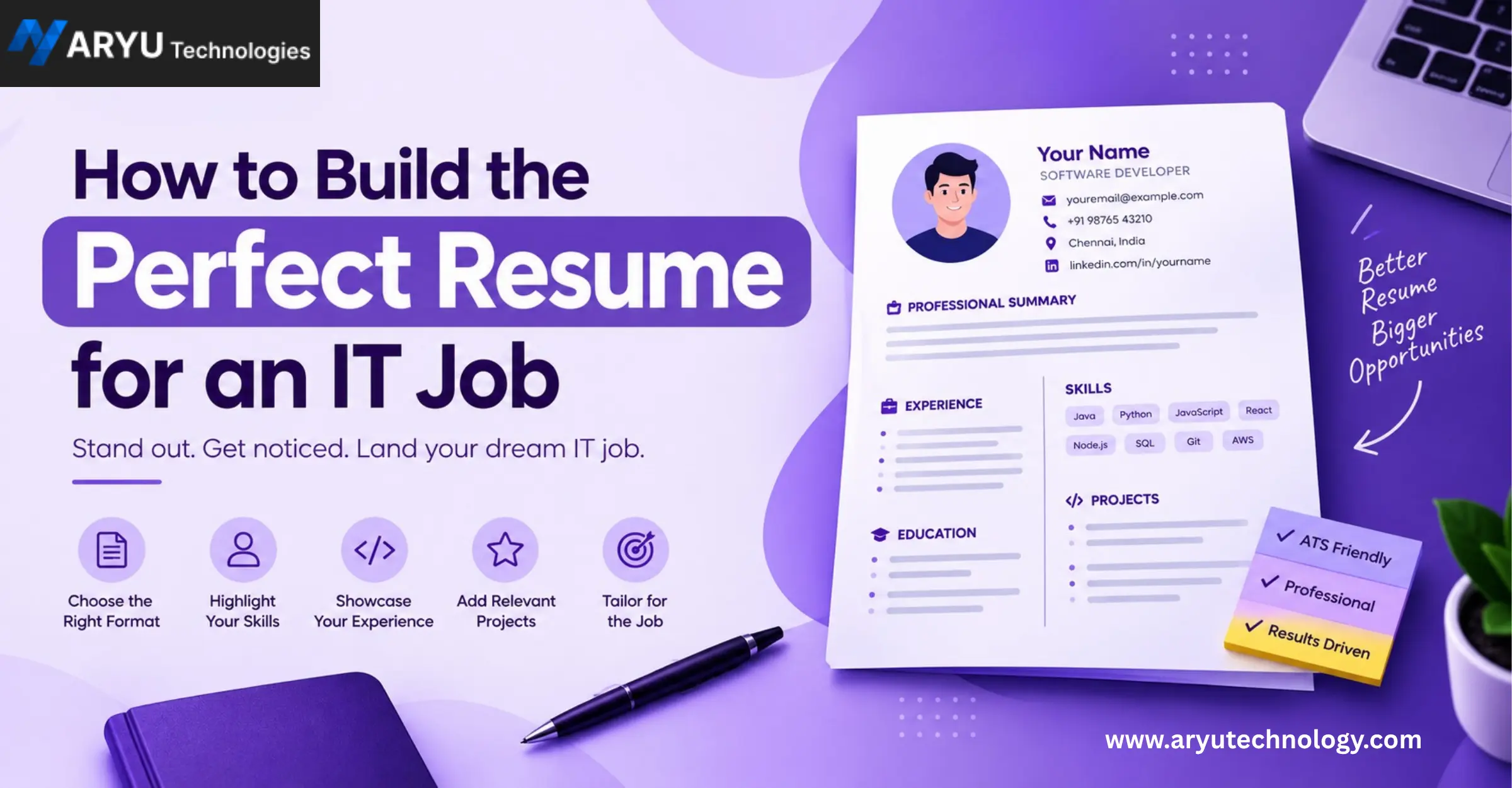
Landing an IT job can be challenging, especially when hundreds of candidates are applying for the same position. Your resume is often the first thing a recruiter sees, and you may have only a few seconds to make a strong impression.
A good IT resume is more than a list of your education, skills, and previous jobs. It should quickly show what you can do, what you have worked on, and how you can contribute to a company.
Whether you are a fresher looking for your first IT job or an experienced professional planning your next career move, this guide will help you create a professional and job-focused IT resume.
What Makes an IT Resume Different?
An IT resume needs to communicate both your technical knowledge and practical experience.
For example, simply writing:
“Knowledge of Python”
doesn’t tell a recruiter much.
Instead, you could write:
“Developed a Python-based data processing project that automated repetitive data-cleaning tasks.”
The second statement gives context and demonstrates how you used your skill.
A strong IT resume should answer three questions quickly:
- What technical skills do you have?
- What projects or work have you completed?
- What value can you bring to the organization?
1. Choose the Right Resume Format
For most IT professionals, a clean and simple resume format works best.
A recommended structure is:
- Name and contact information
- Professional summary
- Technical skills
- Work experience
- Projects
- Education
- Certifications
- Additional achievements, if relevant
Keep the design professional. Avoid excessive graphics, multiple fonts, complicated tables, or decorative elements that can make your resume difficult to read.
For most candidates, one to two pages is sufficient.
2. Start With a Strong Professional Summary
Your professional summary is one of the first sections recruiters read.
Avoid generic statements such as:
“I am a hardworking and dedicated person looking for a challenging opportunity.”
Almost every candidate can say the same thing.
Instead, focus on your technical background and career direction.
Example for a Fresher
“Computer Science graduate with hands-on experience in Java, SQL, HTML, CSS, and JavaScript through academic and personal projects. Interested in starting a career as a software developer and applying programming skills to real-world applications.”
Example for an Experienced Developer
“Software developer with 4+ years of experience building web applications using React, Node.js, and REST APIs. Experienced in developing scalable applications, debugging production issues, and collaborating with cross-functional teams.”
A good summary should be short, specific, and relevant to the job you are applying for.
3. Highlight Relevant Technical Skills
Your skills section should make it easy for recruiters to understand your technical capabilities.
Instead of creating one huge list, organize your skills into categories.
Example
Programming Languages:
Java, Python, JavaScript
Frontend:
HTML, CSS, React.js
Backend:
Node.js, Express.js
Database:
MySQL, MongoDB
Tools:
Git, GitHub, VS Code, Postman
Cloud:
AWS
Only include technologies you genuinely understand. Adding dozens of technologies just because they appear in a job description can create problems during technical interviews.
4. Customize Your Resume for Every Job
One of the biggest mistakes job seekers make is sending the exact same resume to every company.
Different IT jobs require different skills.
For example, a Java Developer position may emphasize:
- Java
- Spring Boot
- REST APIs
- SQL
- Microservices
A Frontend Developer position may focus more on:
- HTML
- CSS
- JavaScript
- React
- TypeScript
Read the job description carefully and highlight the relevant skills and experience you actually possess.
This also helps your resume become more compatible with Applicant Tracking Systems (ATS), which many organizations use to filter applications.
5. Write Experience Using Achievements, Not Just Responsibilities
If you have work experience, don’t simply copy your job responsibilities.
Weak example:
“Responsible for developing websites.”
Stronger example:
“Developed and maintained responsive web applications using React.js and integrated REST APIs to support customer-facing features.”
Even better, include measurable results when they are genuine:
“Improved page loading performance by 25% by optimizing React components and reducing unnecessary API requests.”
Numbers help recruiters understand the impact of your work.
6. Add Projects to Your IT Resume
Projects are particularly important for freshers and candidates with limited professional experience.
A project demonstrates that you can apply your technical knowledge.
For every important project, mention:
- Project name
- Technologies used
- What you built
- Your specific contribution
- Important features
- Results, if measurable
- GitHub or live project link, when appropriate
Example
E-Commerce Web Application
Technologies: React.js, Node.js, MongoDB
- Developed a responsive e-commerce application with product browsing, user authentication, and shopping cart functionality.
- Built REST APIs for product and user management.
- Integrated MongoDB for storing application data.
- Implemented responsive UI for desktop and mobile users.
7. Include Certifications That Support Your Career Goal
Certifications can strengthen an IT resume when they are relevant to the position.
Examples include certifications related to:
- Cloud computing
- Cybersecurity
- Data analytics
- Artificial intelligence
- DevOps
- Programming
- Database technologies
- Project management
8. Make Your Resume ATS-Friendly
An Applicant Tracking System (ATS) can scan resumes for relevant information before they reach a recruiter.
- Use standard section headings.
- Include relevant keywords naturally.
- Use a simple layout.
- Avoid excessive graphics.
- Avoid putting important information inside images.
- Use commonly recognized job titles.
- Keep technical skills clearly visible.
- Proofread your resume carefully.
For example, if the job description specifically mentions “React.js,” don’t unnecessarily replace it with a vague phrase such as “frontend framework experience.
9. Keep Your Contact Information Professional
- Full name
- Phone number
- Professional email address
- LinkedIn profile
- GitHub profile, if relevant
- Portfolio website, if relevant
- Location, if useful for the position
Your email address should look professional.
For example:
Good:
firstname.lastname@email.com
Avoid:
coolboy123@email.com
Your LinkedIn and GitHub profiles should also be updated before you include them.
10. Don’t Ignore Your LinkedIn and GitHub Profiles
Recruiters may check your online professional presence after reviewing your resume.
Make sure your LinkedIn profile is consistent with your resume.
If you are a developer, keep your GitHub profile organized:
- Pin your best projects.
- Add useful README files.
- Explain what each project does.
- Mention technologies used.
- Remove unnecessary test repositories if appropriate.
Your resume gets attention, while your online portfolio can provide additional evidence of your skills.
11. Avoid Common IT Resume Mistakes
Even technically strong candidates can lose opportunities because of simple resume mistakes.
Common problems include:
Too much information
A resume should be focused, not a complete history of everything you have ever done.
Generic objective statements
Recruiters want to understand your skills and career direction.
Unnecessary personal details
Avoid information that isn’t relevant to the job.
Spelling and grammar errors
Technical skills cannot compensate for a resume full of avoidable mistakes.
Fake skills
Never claim expertise in technologies you cannot explain in an interview.
Poor formatting
A cluttered resume makes important information harder to find.
No projects
Freshers especially should use projects to demonstrate practical skills.
Same resume for every job
Customize your resume according to the role whenever possible.
12. Resume Tips for IT Freshers
You can build a strong resume around:
- Education
- Technical skills
- Academic projects
- Personal projects
- Internships
- Certifications
- Hackathons
- Open-source contributions
- Workshops
- Relevant achievements
For example, instead of saying:
“Completed a Python course.”
you can demonstrate your learning through:
“Built a Python-based expense tracker that allows users to record, categorize, and analyze monthly expenses.”
The second approach demonstrates application of knowledge.
13. Resume Tips for Experienced IT Professionals
Experienced professionals should focus less on listing every technology they’ve encountered and more on impact and relevant experience.
For each role, consider including:
- Major responsibilities
- Technologies used
- Important projects
- Business impact
- Performance improvements
- Automation achieved
- Team collaboration
- Leadership responsibilities
For example:
“Automated the daily reporting workflow using Python, reducing manual processing time and improving reporting consistency.”
This is more informative than:
“Worked on Python automation.”
14. Keep Your Resume Updated
Don’t wait until you’re actively searching for a job to update your resume.
Whenever you:
- Complete a major project
- Learn an important technology
- Earn a certification
- Receive an achievement
- Change roles
- Take on leadership responsibilities
update your resume.
Keeping a current master resume makes it much easier to create customized versions for future job applications.
15. Final IT Resume Checklist
Personal Information
- Name is clearly visible
- Phone number is correct
- Email address is professional
- LinkedIn link works
- GitHub/portfolio link works
Content
- Professional summary is relevant
- Technical skills are clearly categorized
- Experience includes achievements
- Projects are explained clearly
- Relevant certifications are included
- Education details are accurate
SEO/ATS-Friendly Resume Practices
- Relevant job keywords are included naturally
- Standard headings are used
- Resume is easy to scan
- Important information isn’t hidden in graphics
- Job title matches the role you’re targeting
Final Review
- No spelling mistakes
- No grammar errors
- Consistent formatting
- Dates are consistent
- No unnecessary information
- File name looks professional
A simple file name such as Firstname_Lastname_Resume.pdf is better than something like MyNewResume_Final_Final2.pdf.
Frequently Asked Questions (FAQs)
1. How long should an IT resume be?
For most freshers, a one-page resume is usually enough. Experienced professionals may need two pages to properly present relevant experience and achievements.
2. What skills should I include on an IT resume?
Include technical skills that are relevant to the job you’re applying for. Depending on the role, these may include programming languages, frameworks, databases, cloud platforms, DevOps tools, testing tools, or cybersecurity technologies.
3. Is an objective necessary on an IT resume?
A traditional objective statement isn’t always necessary. A concise professional summary that explains your background, technical skills, and career direction is generally more useful.
4. Should freshers include projects on their resumes?
Yes. Projects can be particularly valuable for freshers because they demonstrate how you have applied your technical knowledge.
5. Should I include every technology I know?
No. Focus on technologies that are relevant to your target role and that you can confidently discuss in an interview.
6. How can I make my IT resume ATS-friendly?
Use a simple format, standard headings, relevant keywords, readable fonts, and clear descriptions of your skills and experience. Avoid excessive graphics and complicated layouts.
7. Should I add a photo to my IT resume?
In many IT hiring situations, a photo is not necessary. Follow the application requirements and conventions of the country and employer you’re applying to.
8. Should I include GitHub on my resume?
If you have meaningful coding projects or contributions on GitHub, including your profile can be useful. Make sure the repositories you showcase are relevant and presentable.
9. How often should I update my resume?
Update it whenever you gain a significant skill, complete a project, earn a certification, or take on new responsibilities. At minimum, review it before applying for a new role.
10. Can certifications replace practical experience?
Certifications can demonstrate structured learning, but practical projects and work experience can show how you apply your knowledge. A combination of relevant learning and hands-on work can make your resume more informative.
Conclusion
Building the perfect IT resume isn’t about making it flashy or filling it with as many technologies as possible. It’s about making your skills, experience, projects, and achievements easy for a recruiter to understand.
Start with a clean format, write a focused professional summary, highlight relevant technical skills, explain your projects, quantify genuine achievements, and customize your resume for the role you’re targeting.
Most importantly, make sure your resume represents your real skills and experience. A clear and honest resume gives you a stronger foundation for the technical interview that comes next.
Your resume may open the door, but your knowledge, practical skills, communication, and ability to solve problems will help you move forward in the IT hiring process.